Your care management software is driving you crazy – but the thought of switching is daunting. What if you lose client records, or end up with hours of downtime?
The short answer
So you stick with your current apps – and waste time and money planning your own work-arounds. Moving your care records and getting used to a new system doesn’t have to be painful, though.
In this guide, we’ll talk you through when you should make the switch, and how the process might work. We’ll also share some key questions to ask before you commit, so you can be confident you’re making the right choice.
2 minutes, no email needed
Six questions about how your current software treats you – on a normal busy week, not a good day. You’ll get a plain verdict, and if it is time to move, you’ll know exactly what’s driving it. Your answers stay on this page.
Do you run your service across more than one app or spreadsheet?
Does the software freeze or fail often enough that you keep paper backups?
Are there features you need that it can’t do – offline working, eMAR, family updates?
Has your price gone up each year, with nothing new to show for it?
Do you or your team build workarounds for jobs the software should handle?
When something breaks, do you wait days for help?
0
out of 12
What’s driving it

If your current care software isn’t working for your organisation, it’s time to switch. Maybe your apps were perfect when you were a smaller service, but now you’ve grown. Maybe you need additional features. Or perhaps you spend more time cursing at it than actually using it.
Lots of care providers assume they have to stay because moving would be too complicated. That’s not true. Even if you’re still in contract, waiting until the end might cost you more in lost time than paying an early termination fee.
Whether you’re mid-contract or at a natural break point, ask yourself:
Do we need more features?
Offline working, family messaging, or electronic call monitoring.
Are we juggling several apps?
One for care planning, spreadsheets for rotas, WhatsApp for handover notes.
Is it unreliable?
Apps that freeze or won’t open, or care plans printed out “just in case”.
If you’ve answered yes to any of these, it might be time to make the switch. Or you might have noticed you’re paying more each year, with nothing new to show for it. Whatever your reason, here’s how the move works.
Every care service and software provider is different. But once you’ve decided to switch, you’ll generally follow five steps. Your new care management software supplier should guide you – but it helps to know what to expect.
Find a new supplier
Shortlist software that fits your service, your budget and your devices.
Transfer your current records
Care plans, MAR charts, rotas, staff records and daily notes – with your supplier’s help.
Train your staff team
Paid training time, a safe space for questions, and a software champion.
Run both systems in parallel
Old system for past records, new system for everything current – for a few weeks at most.
Move over to the new system
Retire the old software once everything’s transferred and everyone’s trained.
Ask fellow care providers for recommendations – chances are, your peers are already using care software. Are they happy with their systems?
of care organisations now use digital care records, according to the Department of Health and Social Care. Read the announcement
Consider your specific needs. If you’re a domiciliary care provider in a rural area, make sure the home care software you choose works offline when your carers don’t have signal. Every provider has different priorities, but you might look for:
Make sure it fits your budget, works on your organisation’s devices, and meets the Minimum Operational Data Standard (MODS).
This is the part that scares many care providers. A good supplier will support you through it – explaining how to import existing data, how to create new records, and any limitations of the new system. At minimum, you’ll probably move:
You may also need reviews, DoLS paperwork, incident reports and other documents. Coming from another care system, these may export quickly. If your current software is older, some records may need to be stored separately rather than transferred.
You don’t need to do it all in one go. You may decide that records past a certain age can be archived securely instead. It also helps to assign one staff member to the migration – they’ll become confident with the new system fast, and be hugely useful to colleagues later.
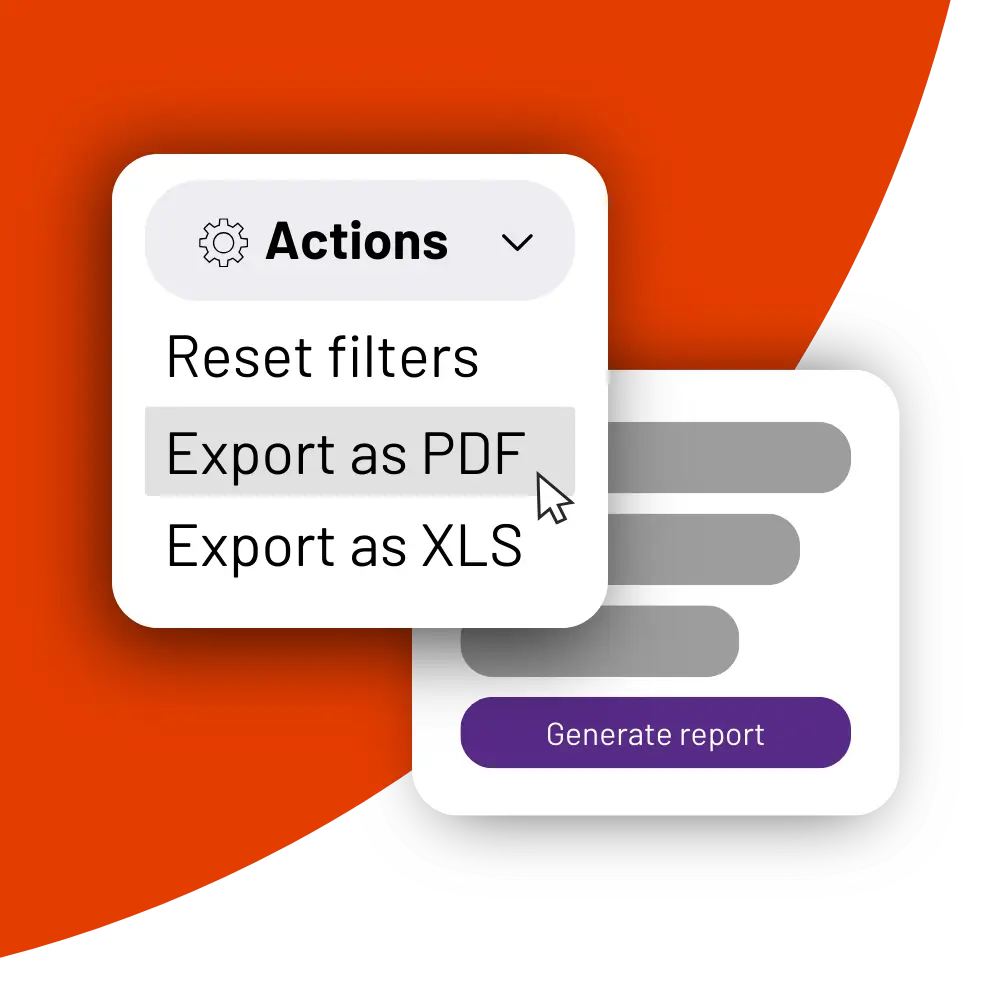
Good care software makes your records portable. PASS exports reports and records as PDF or XLS in a few clicks – useful on the way in, and a safety net if you ever leave.
Your new supplier should provide training. Make sure your team have time to attend, and that they’re fully paid for it.
Staff might be anxious, especially if they don’t consider themselves tech-savvy. Give them a safe space to ask questions – anonymously or over email, if possible. A software champion within the care team helps too: some people are more comfortable raising worries with a peer than with their line manager.
You can’t lose access to your care planning software at any point, so you’ll often run both systems side by side for a short time.
Old system
Where you look up past records. Read-only, if you can.
New system
Where every new daily note, care plan change and medication record goes.
People often find this part confusing. Three habits make it easier:
Keep it short
Limit the overlap to a few weeks at most.
Make the old system read-only
If staff can’t add or edit entries there, no notes get lost in the gap.
Give the migration an owner
Running two systems already means extra work for carers and managers – don’t ask them to transfer records too.
When you’re confident with the new software, you can shut down the old one. You’re ready when you can tick all three:
All three ticked? Disable the old system – the migration is complete.
Book a free tour
Switch with your records carried for you
The PASS team plans your migration, moves your data and trains your staff – most services go live within 30 days of signing.
Book a 20-minute demoUsed by 1,250+ UK providers · 24/7 UK support
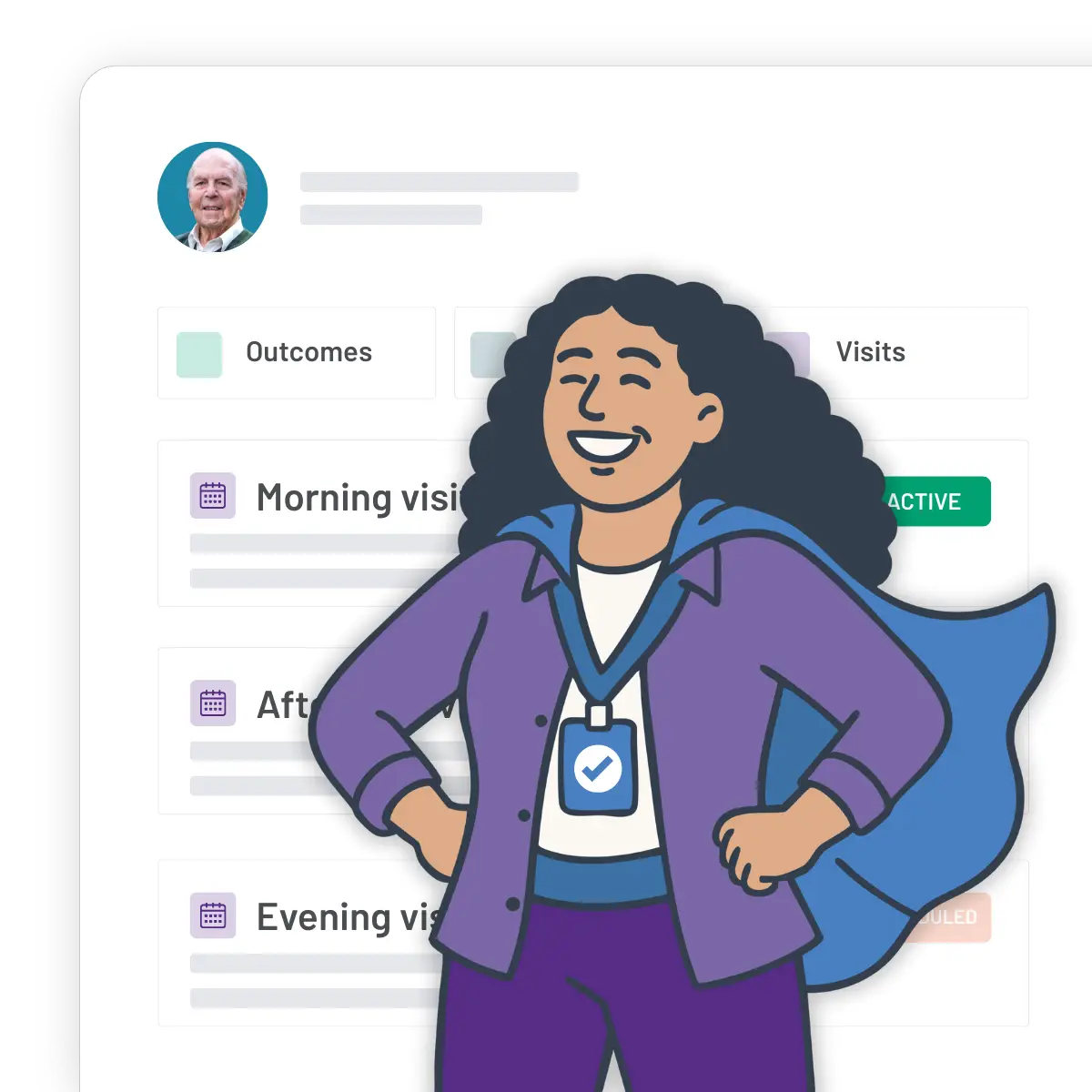
Often between 30 and 60 days from when you sign your new contract. The timeline depends on your software provider, the size of your service, your team’s training schedule, and how many years of records you’re moving.
Quicker
A small care home with 30 clients and two years of records.
Longer
A home care provider with 200 clients and records going back 15 years.
The easiest way is to choose a supplier that supports you through the migration. PASS helps you plan your move, prepare your data, and train your team so they’re confident from day one.
The process varies with your current system. Some data may need to stay accessible separately if it can’t be transferred, and some organisations choose to archive historical records elsewhere. If you have particular timing needs, the team will work around them.

Once you’re live, your carers see every care plan, note and medication record in the PASS app – including offline, when there’s no signal.
Every care provider is different, so make sure your chosen software will work for you. Before you commit, put these six questions to your new supplier:
Can our team use the app offline?
Essential if your carers visit homes with patchy signal.
Does it include everything we need?
Payroll and invoicing, rostering, care planning – in one place.
Will you help us migrate our records?
Find out exactly what’s transferred, and what isn’t.
How long will the migration take?
Get a realistic date, based on your size and your records.
Will we get training and onboarding support?
For managers, coordinators and carers.
Can we get help when we need it?
Including out-of-hours support.
Book a free tour
Move every record. Lose nothing.
A planned migration, a named account manager and trained staff – most services go live within 30 days of signing.
Book a 20-minute demo85,000+ care professionals · live in 30 days or less · 24/7 UK support
